15 Grok Bot Use Cases for Business Admin
Grok Bot use cases for business that have nothing to do with marketing: 15 real X posts on invoices, quotes, calls and leases, each with a prompt to copy.
- grok bot
- ai tools
- small business
- workflows
Here are 15 Grok Bot use cases for business that have nothing to do with marketing. No content calendars, no social posts. Just the boring back-office stuff that eats your week.
Almost every Grok Bot video you’ll see is about marketing. Write my posts. Schedule my tweets. Fine. But that’s not where most small businesses lose their time. They lose it in invoices, emails, forms and chasing people.
So I went looking for real people using it for that stuff. Every example below comes from a real person’s post on X. For each one, I’ve added a screenshot of the post (click it to open the original), pulled out the important bit, and written a prompt you can copy.
One thing before we start. These are people’s own claims. I’ve checked the posts are real. I haven’t audited their numbers. So when I say “he says”, I mean it. Go and read the posts, and credit to everyone who shared them.
If you’re new to Grok Bot, I’ve also written about how I built an AI content team with it.
The 15 Grok Bot use cases at a glance
- Find duplicate payments in your ledger
- Match payments to invoices
- A monthly receipts pack for your accountant
- Type purchase orders into your system
- Get quotes from tradespeople and suppliers
- Order updates at every production stage
- Reply to delivery-app reviews
- Grade your inbound calls
- Register warranties for every install
- Run lease renewals
- Screen CVs and book interviews
- Ask questions about your contracts
- First pass before your accountant
- Move your website and fix DNS
- Find past customers worth a call
Every prompt below already has an “ask me first” line built in. Keep it.
1. Find duplicate payments in your ledger
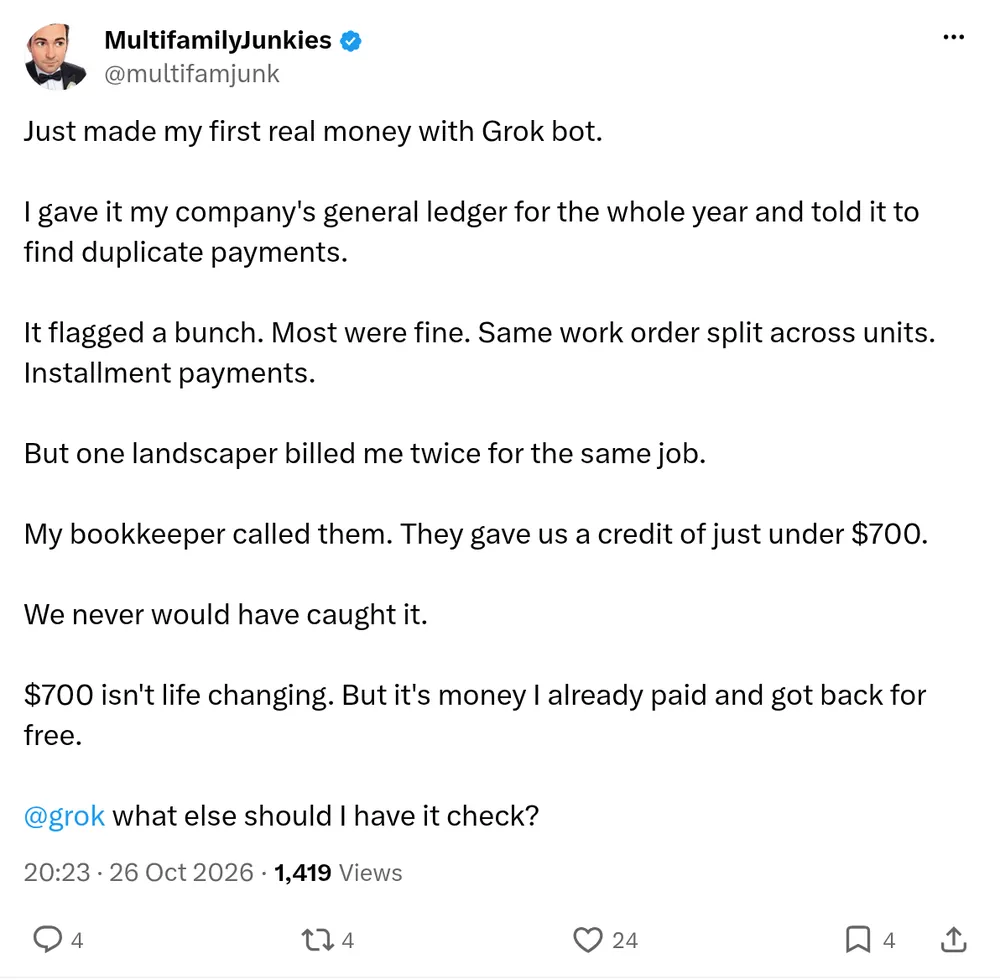
Credit to @multifamjunk. He gave Grok Bot his company’s general ledger for the whole year and told it to find duplicate payments.
What I like is that he’s honest about it. It flagged a bunch, and most were fine. But one landscaper had billed him twice for the same job. His bookkeeper called them, and he says they got a credit of just under $700.
“Most were fine.”
“one landscaper billed me twice for the same job”
“They gave us a credit of just under $700.”
Why it matters: The bot does the boring scan. A human checks it and makes the call. That’s the right split. Keep the “don’t contact any supplier” line at the end of the prompt.
Try this prompt:
Here is our general ledger export for last year. Find possible duplicate payments: same supplier, similar amount, within 60 days of each other. Show each pair side by side with the date, amount and reference, and say why it might be a duplicate. Don't contact any supplier and don't change anything. Just give me the list to check.2. Match payments to invoices
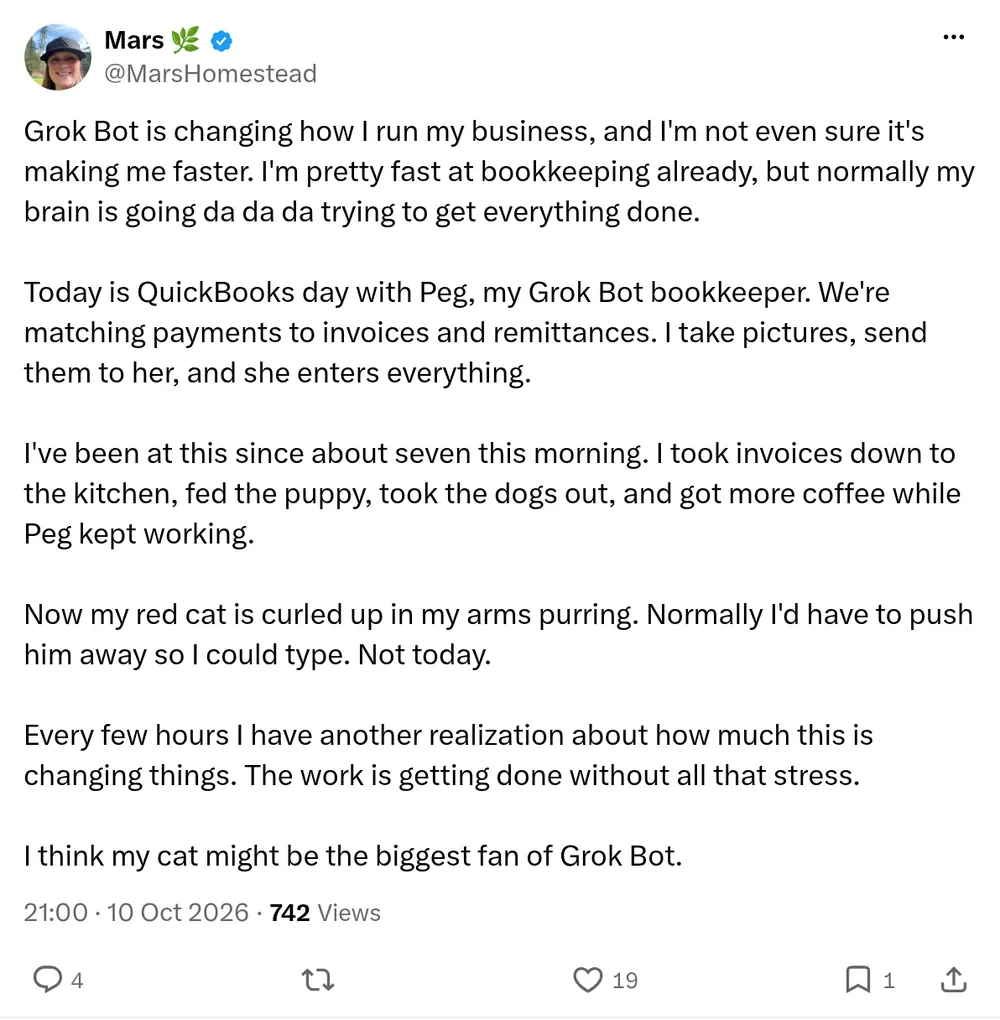
Credit to @MarsHomestead. She has a Grok Bot bookkeeper she calls Peg. She takes photos of remittances, sends them over, and Peg matches the payments to invoices in QuickBooks.
Look at how she opens the post, though. She says she’s not even sure it’s making her faster. I love that. Her point is that she’s less stressed, because the bot is doing the typing while she gets on with other things.
“I’m not even sure it’s making me faster.”
“We’re matching payments to invoices and remittances. I take pictures, send them to her, and she enters everything.”
Why it matters: An honest result. The win here isn’t speed, it’s headspace. The prompt asks for a table first, and nothing gets posted until you’ve checked it.
Try this prompt:
I'm going to send you photos of remittances and payments. Match each one to the open invoice it pays in our accounting software. Give me a table split into matched, partly matched and no match. Don't post or change anything in the accounts until I've checked the table and said yes.3. A monthly receipts pack for your accountant
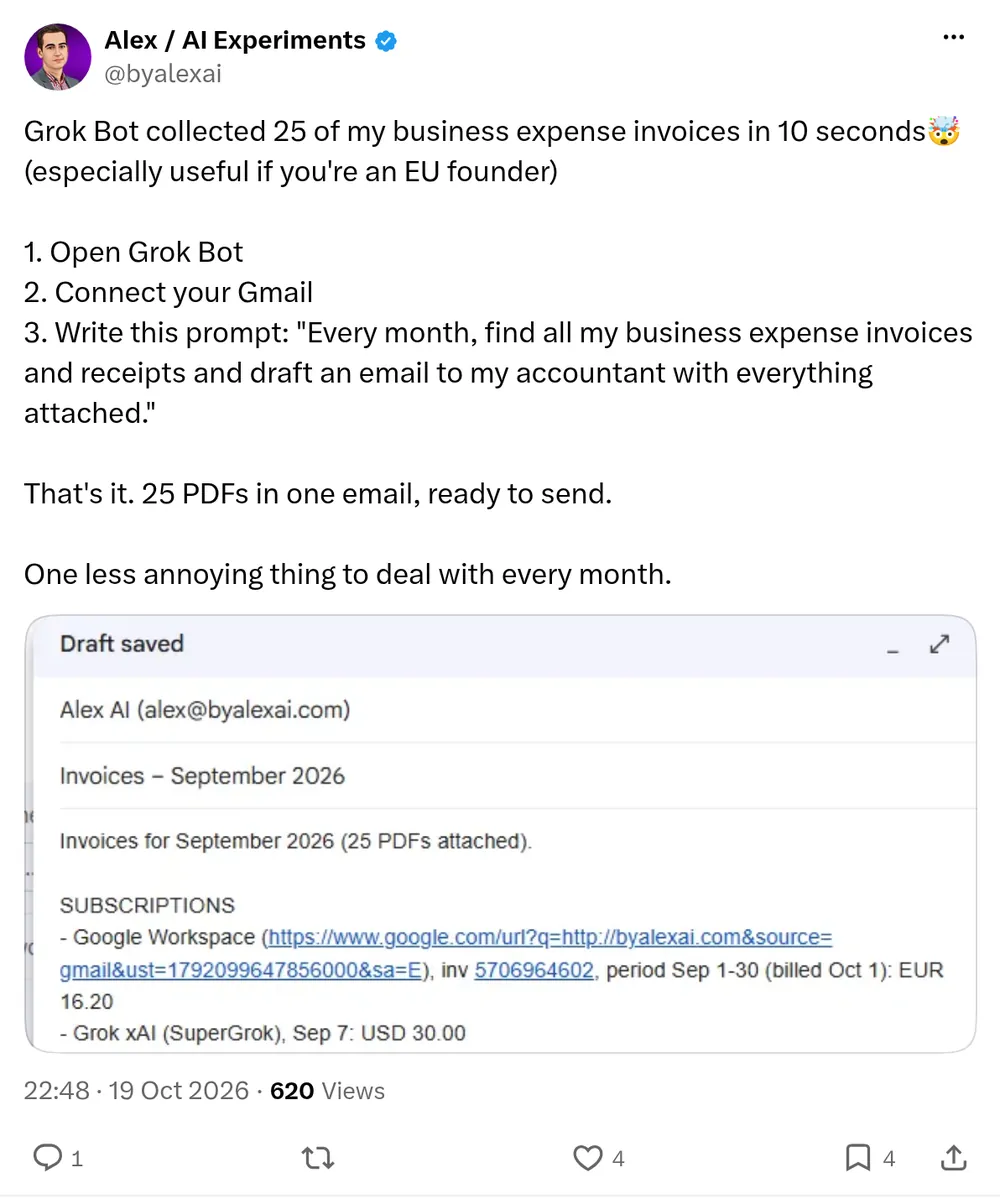
Credit to @byalexai. He connected Gmail to Grok Bot and wrote one prompt: every month, find all his business expense invoices and receipts and draft an email to his accountant with everything attached.
He says it collected 25 invoices. One email, 25 PDFs, ready to send. Notice the word “draft”. It doesn’t send. You press the button.
“Every month, find all my business expense invoices and receipts and draft an email to my accountant with everything attached.”
“25 PDFs in one email, ready to send.”
Why it matters: If you only try one thing from this list, try this one. It’s low risk, it saves a fiddly job every month, and you stay in control of what goes to your accountant.
Try this prompt:
On the 1st of every month, find last month's business expense invoices and receipts in my email. List them in a table with the date, supplier and amount. Then draft one email to my accountant with all of them attached. Leave it as a draft. Don't send it until I say so.4. Type purchase orders into your system
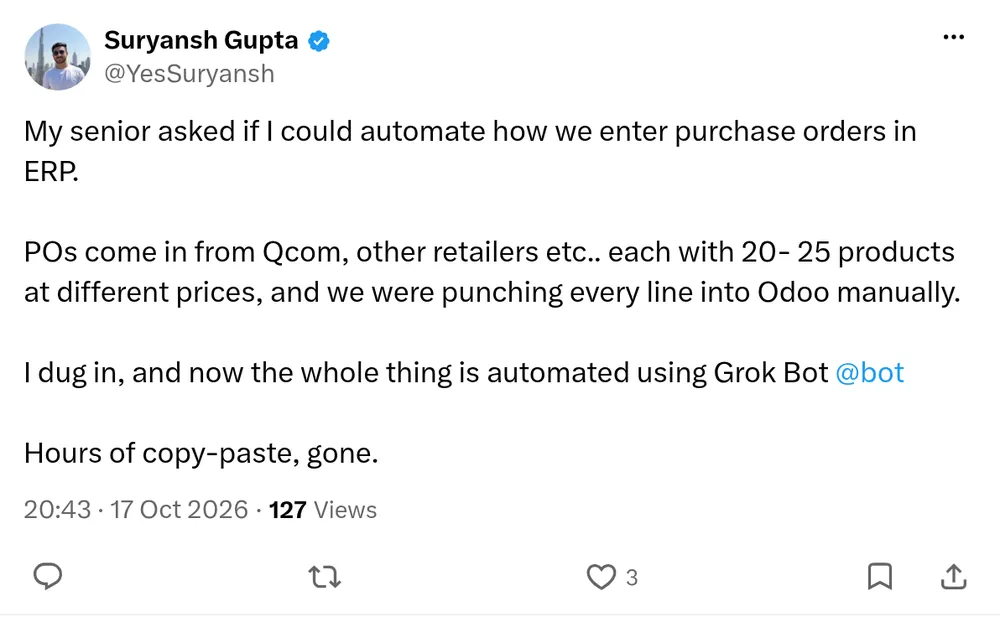
Credit to @YesSuryansh. His team gets purchase orders from retailers, each with 20 to 25 products at different prices, and they were typing every line into Odoo by hand.
He says the whole thing is now automated with Grok Bot.
“each with 20- 25 products at different prices, and we were punching every line into Odoo manually.”
“Hours of copy-paste, gone.”
Why it matters: This is the sweet spot. Repetitive, clear rules, and nobody enjoys it. My version of the prompt sets it up as a draft and gives you a summary, so you check the totals before anything is confirmed.
Try this prompt:
When a purchase order arrives by email, read every line (product, quantity and price) and set it up as a draft order in our system. Then send me a summary: number of lines, total value, and anything you weren't sure about. Don't confirm the order until I've checked it against the original.5. Get quotes from tradespeople and suppliers
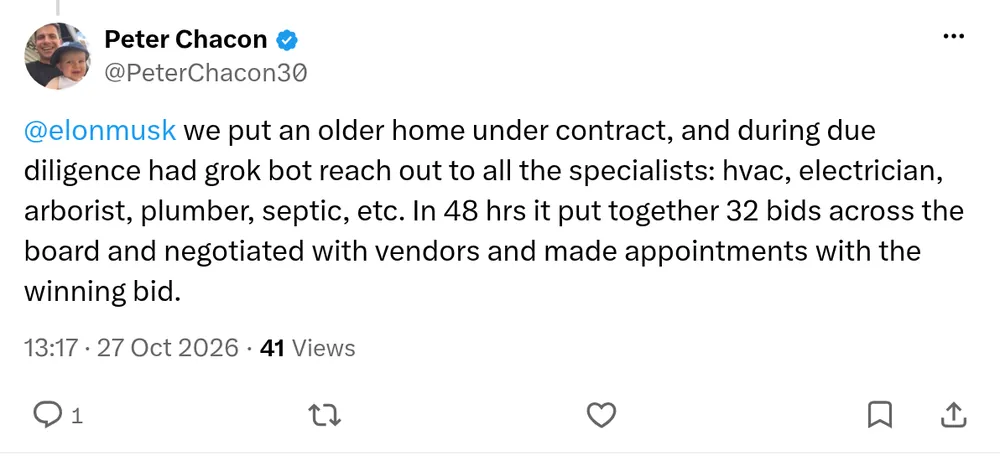
Credit to @PeterChacon30. He was buying an older house, and during due diligence he had Grok Bot contact all the trades: heating and air con, electrician, tree surgeon, plumber, septic and so on.
He says that in 48 hours it put together 32 bids. Then it negotiated with the vendors and made appointments with the winning bids. On its own.
“had grok bot reach out to all the specialists”
“In 48 hrs it put together 32 bids across the board”
“negotiated with vendors and made appointments with the winning bid”
Why it matters: Chasing quotes eats days, so the quote-gathering is worth copying. But this is where I’d slow down. Negotiating and booking means the bot is agreeing things in your name. My prompt drafts the requests and waits for your yes before anything is sent, agreed or booked.
Try this prompt:
I need quotes for [the job] at [the address]. Find 10 local [trade] businesses with good reviews and draft a short quote request for each with the details. Show me the list and the drafts first. Don't send anything, agree a price or book an appointment until I approve. When replies come in, put them in a comparison table.6. Order updates at every production stage
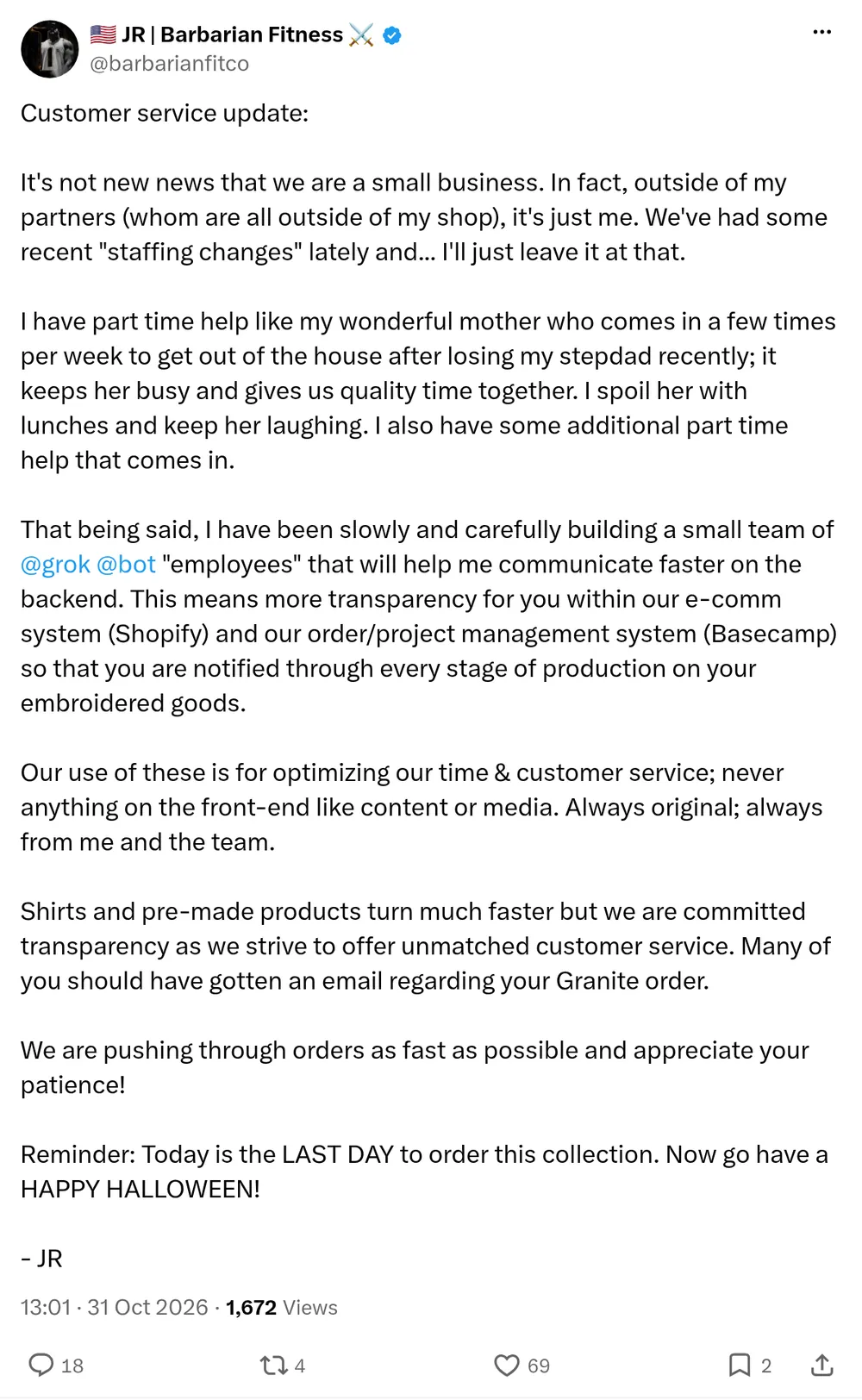
Credit to @barbarianfitco. It’s a small embroidery business, mostly run by one person. He’s building a small team of bots behind the scenes, working with Shopify and Basecamp, so customers hear about every stage of their order.
And he draws a really clear line. The bots do the admin. Never the content.
“notified through every stage of production on your embroidered goods”
“never anything on the front-end like content or media”
Why it matters: Fewer “where’s my order?” emails, and a clear rule about what the bots don’t touch. My prompt drafts each update and queues them for you to send in one go.
Try this prompt:
When an order moves to a new stage in our order system, draft a short, friendly update for the customer: the order number, what's just happened, and what happens next and roughly when. Queue the drafts for me to check and send in one go. Don't email customers directly.7. Reply to delivery-app reviews
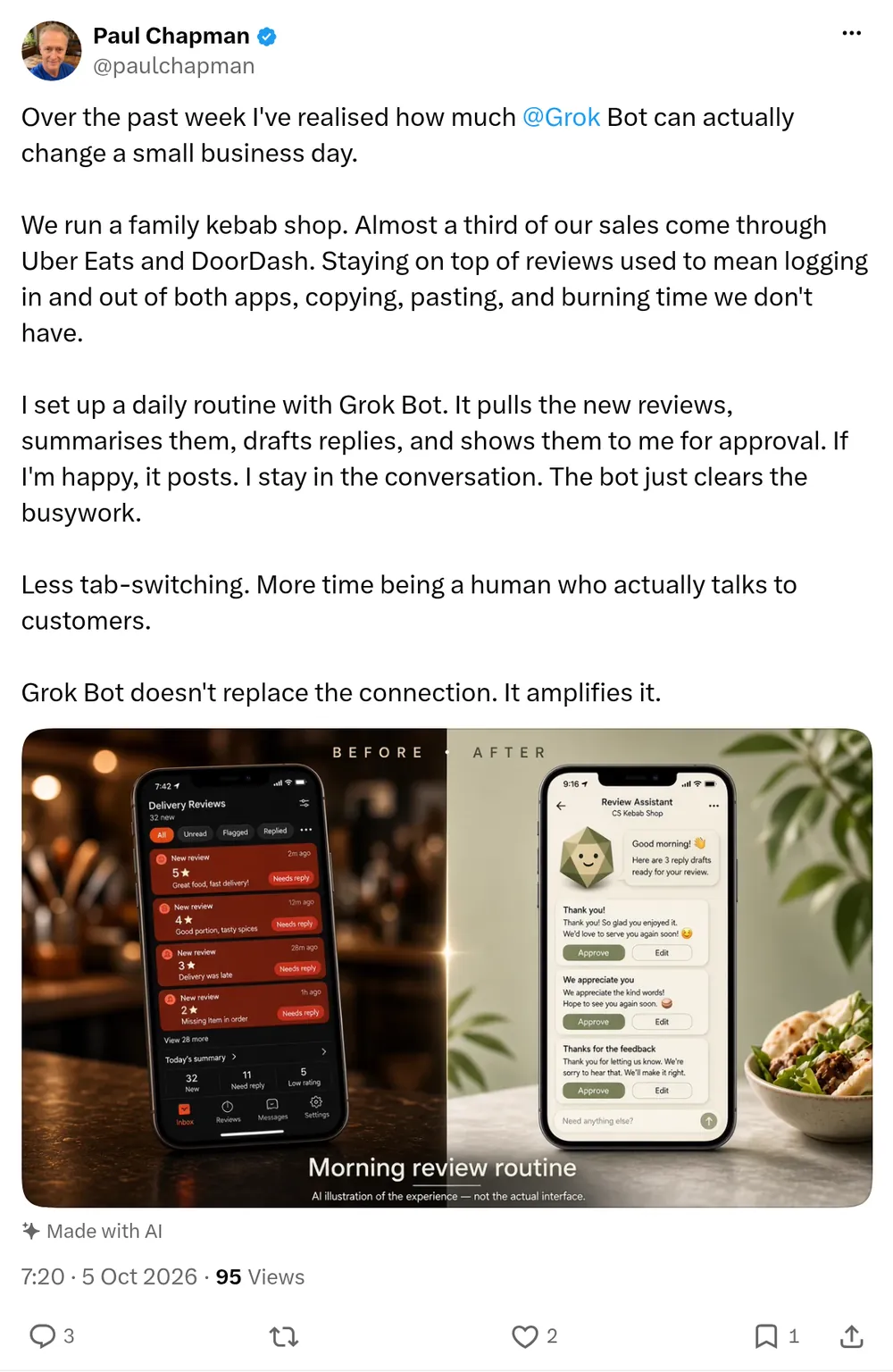
Credit to @paulchapman. He runs a family kebab shop, and he says almost a third of their sales come through Uber Eats and DoorDash.
He set up a daily routine. The bot pulls the new reviews, sums them up, drafts replies and shows them to him. Only when he’s happy does it post.
“It pulls the new reviews, summarises them, drafts replies, and shows them to me for approval. If I’m happy, it posts.”
Why it matters: This is the model to copy. The bot does the tab-switching. A human approves every reply.
Try this prompt:
Every morning, collect yesterday's new reviews from our delivery apps. Sum up the main themes in three bullet points, then draft a reply to each review in a friendly, human tone. Show me the drafts and post nothing until I approve each one.8. Grade your inbound calls
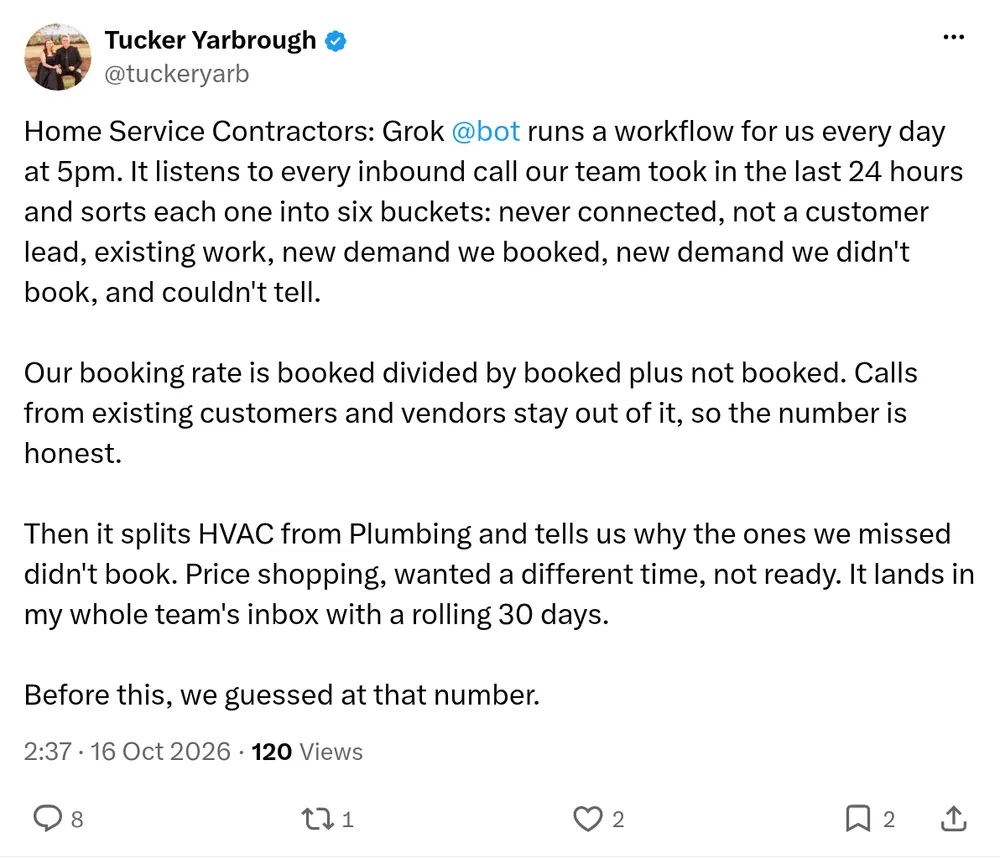
Credit to @tuckeryarb. His firm does heating, air con and plumbing. Every day at 5pm, the bot goes through every inbound call from the last 24 hours and sorts them into six buckets.
Then it works out the booking rate, splits it by trade, and lists why the missed ones didn’t book. Price shopping, wanted a different time, not ready.
“It listens to every inbound call our team took in the last 24 hours and sorts each one into six buckets”
“Before this, we guessed at that number.”
Why it matters: A number they used to guess at is now measured every day, with reasons attached. And it only reports. It doesn’t ring anyone back.
Try this prompt:
Every day at 5pm, go through today's inbound call recordings. Put each call in one bucket: never connected, not a lead, existing customer, new enquiry booked, new enquiry not booked, or can't tell. Work out our booking rate (booked divided by booked plus not booked), list why the missed ones didn't book, and send the report to me only. Don't contact any callers.9. Register warranties for every install
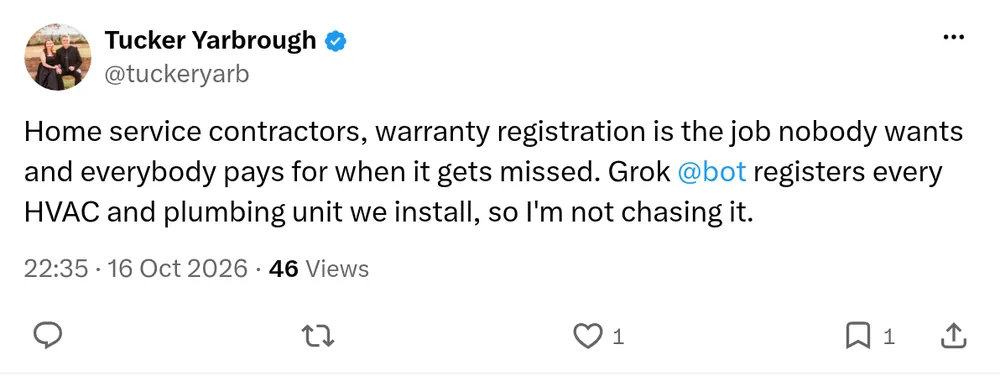
Same person again, @tuckeryarb. He says the bot registers every heating and plumbing unit they install with the manufacturer.
It’s a short post, but it’s a great line.
“warranty registration is the job nobody wants and everybody pays for when it gets missed”
“registers every HVAC and plumbing unit we install, so I’m not chasing it.”
Why it matters: That’s true of so much admin. My prompt makes the bot ask before it submits each form, and save the confirmation numbers.
Try this prompt:
From this week's completed jobs, list every unit we installed with the make, model, serial number and customer address. Then fill in the manufacturer's warranty registration for each one. Ask me before you submit each form, and save the confirmation numbers to the job sheet.10. Run lease renewals
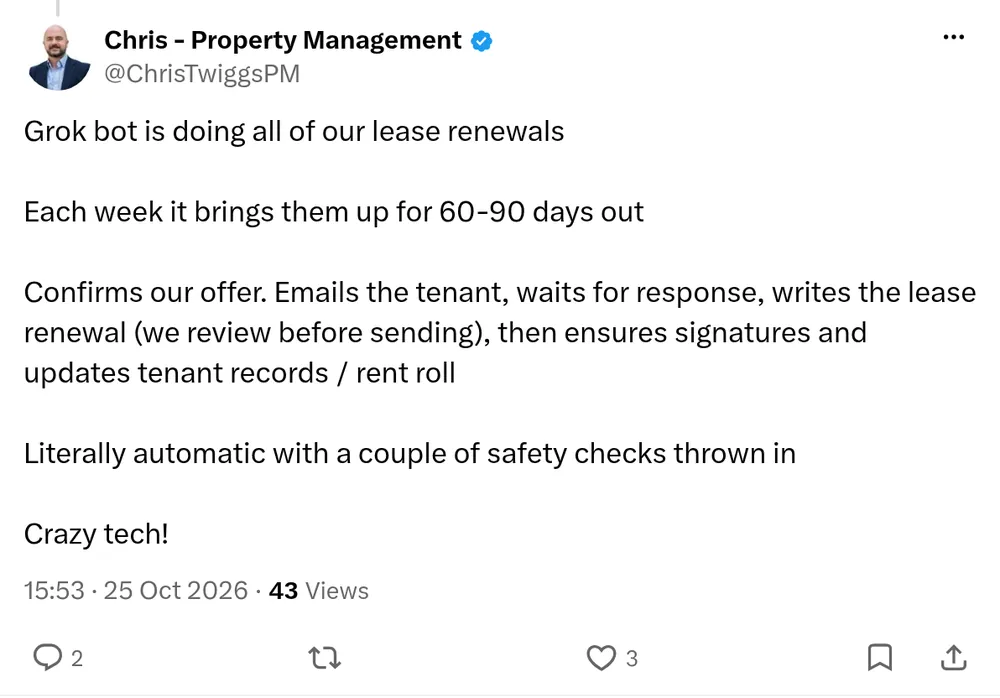
Credit to @ChrisTwiggsPM, a property manager. Every week the bot brings up leases ending in 60 to 90 days, emails the tenant, writes the renewal, gets it signed and updates the records.
He does say they review the renewal before it’s sent. Good. But read it again. The bot emails the tenant and waits for a reply before that review step. So it’s partly hands-off.
“Each week it brings them up for 60-90 days out”
“Emails the tenant, waits for response, writes the lease renewal (we review before sending)”
Why it matters: Deadline-driven admin like this is perfect for a weekly routine. In my prompt, nothing goes to a tenant until you’ve approved it.
Try this prompt:
Every Monday, list the leases ending in 60 to 90 days. For each one, draft the renewal offer email and the renewal document using our standard terms. Show me everything first. Nothing goes to a tenant until I've approved it. Once it's signed, update our tenant records.11. Screen CVs and book interviews
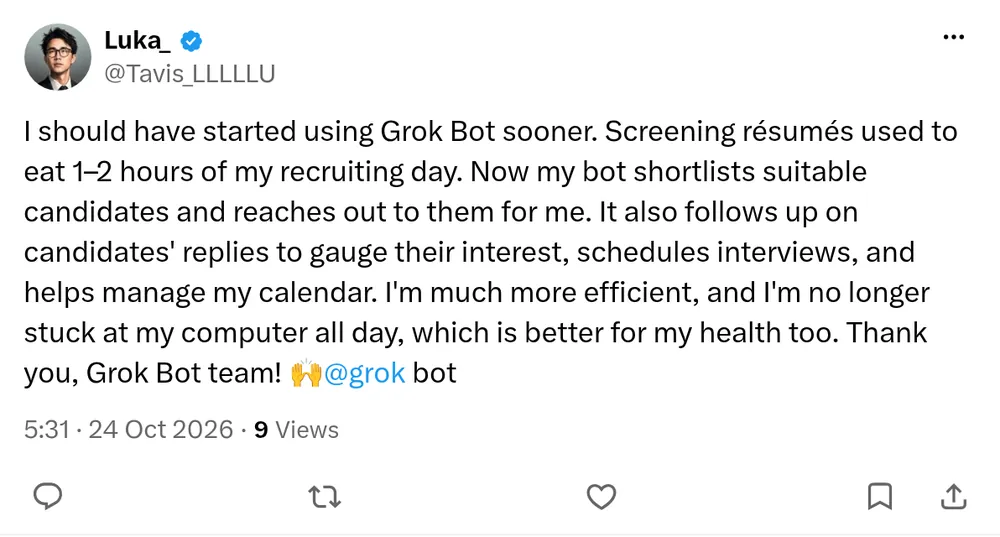
Credit to @Tavis_LLLLLU, a recruiter. They say screening CVs used to eat one to two hours of their day. Now the bot shortlists candidates, contacts them, follows up and books interviews.
It’s a small account, so take it as one person’s experience. And again, look at “reaches out to them for me”. That’s the bot talking to people as you.
“Screening résumés used to eat 1–2 hours of my recruiting day.”
“Now my bot shortlists suitable candidates and reaches out to them for me.”
Why it matters: The screening is a big time saver. The outreach is where you want an approval step. My prompt scores the CVs, drafts the invites, and waits for your OK.
Try this prompt:
Here's the job description and a folder of CVs. Score each CV against the must-haves, rank the top 10 with one line on why, and flag anyone who's a maybe. Draft a short interview invite for each of the top 10. Don't contact any candidate until I approve.12. Ask questions about your contracts
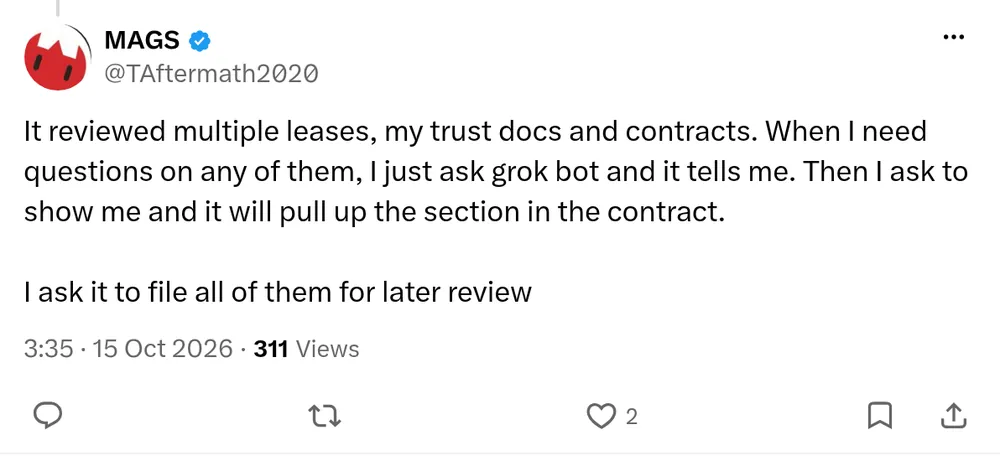
Credit to @TAftermath2020. They had the bot read multiple leases, trust documents and contracts. Now they just ask it questions, then say “show me”, and it pulls up the exact section.
That “show me” bit is the key. You can check the answer yourself.
“It reviewed multiple leases, my trust docs and contracts.”
“Then I ask to show me and it will pull up the section in the contract.”
Why it matters: It’s a reading aid, not a solicitor. My prompt builds a table of notice periods, renewal dates and price rises, with clause numbers, and flags anything odd to check with a solicitor.
Try this prompt:
Read these contracts and leases. Make a table showing who each one is with, the start and end dates, notice period, renewal terms, price rises and how to cancel, with the clause number for each. When I ask a question later, answer it and show me the exact clause. Flag anything unusual for me to check with a solicitor. Don't sign, send or agree to anything.13. First pass before your accountant
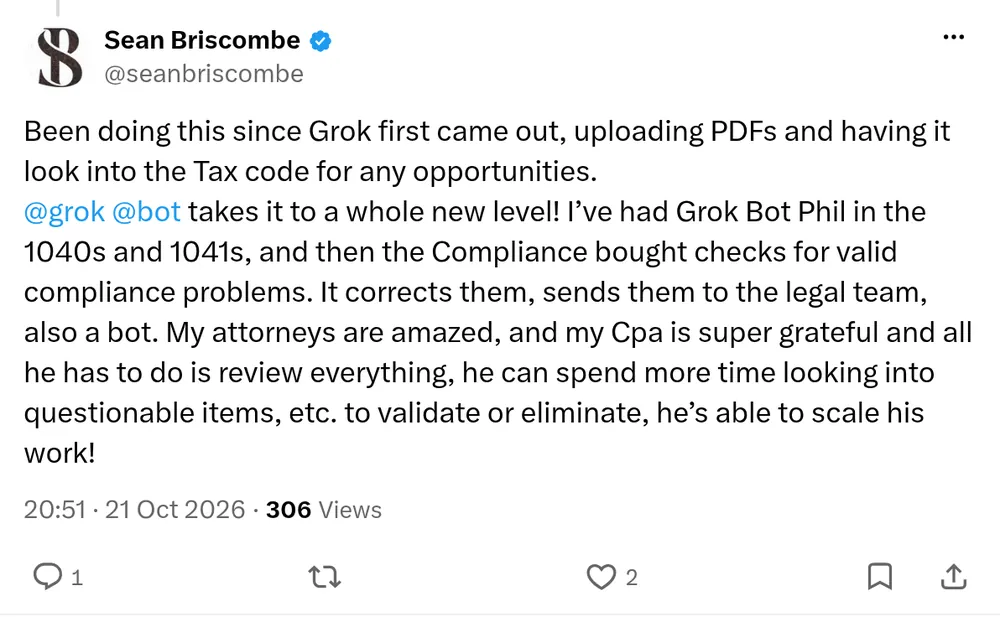
Credit to @seanbriscombe. It’s US tax, so the forms won’t mean much here in the UK. But the idea travels. He says his bots prepare the returns and check them for compliance problems, and his accountant just reviews everything.
He calls his accountant a CPA, which is the US version of a chartered accountant.
“My attorneys are amazed, and my Cpa is super grateful and all he has to do is review everything”
Why it matters: The professional stays in charge. The bot does the first pass. My prompt compares this year with last year and builds a tidy pack for your accountant. It doesn’t file anything.
Try this prompt:
Compare this year's figures with last year's tax return. List anything that's changed by more than 10%, anything that looks missing, and questions my accountant is likely to ask. Put it into one tidy summary I can send them. Don't file or submit anything, and don't contact my accountant. I'll do that.14. Move your website and fix DNS
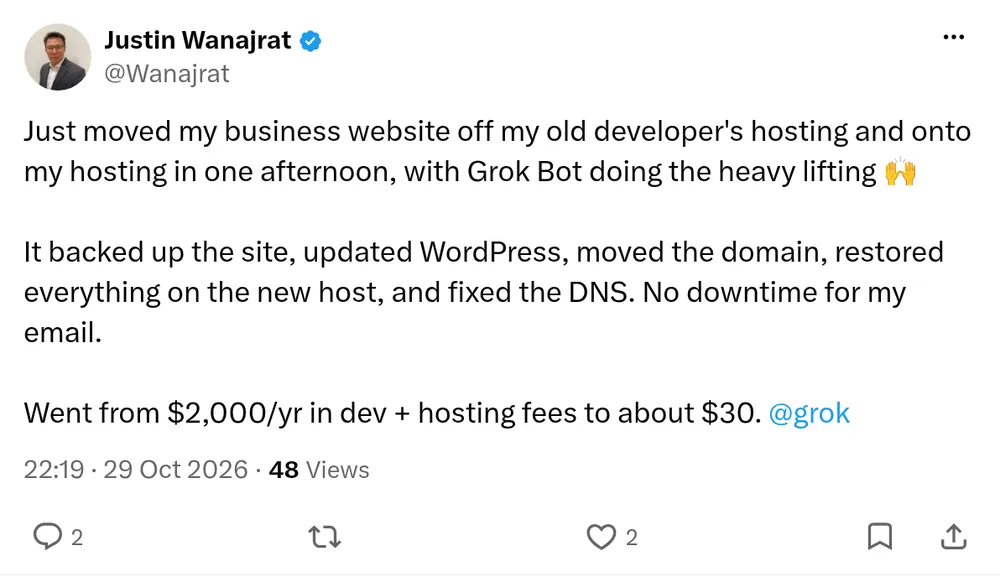
Credit to @Wanajrat. He moved his business website off his old developer’s hosting in one afternoon. The bot backed it up, updated WordPress, moved the domain and fixed the DNS.
He says there was no downtime for his email, and that he went from $2,000 a year in developer and hosting fees to about $30.
“It backed up the site, updated WordPress, moved the domain, restored everything on the new host, and fixed the DNS.”
“Went from $2,000/yr in dev + hosting fees to about $30.”
Why it matters: A big win if it works for you. But he doesn’t mention approving each step, and DNS is the thing that takes your email down if it goes wrong. So my prompt does an audit and a plan first, and makes no changes until you approve each one.
Try this prompt:
Audit my business website and domain. Tell me where it's hosted, what it costs, whether WordPress and the plugins are up to date, and whether my email (DNS) records are set up properly. Explain it in plain English and write a step-by-step plan to fix anything wrong. Make no changes, and don't buy or cancel anything, until I approve each step.15. Find past customers worth a call
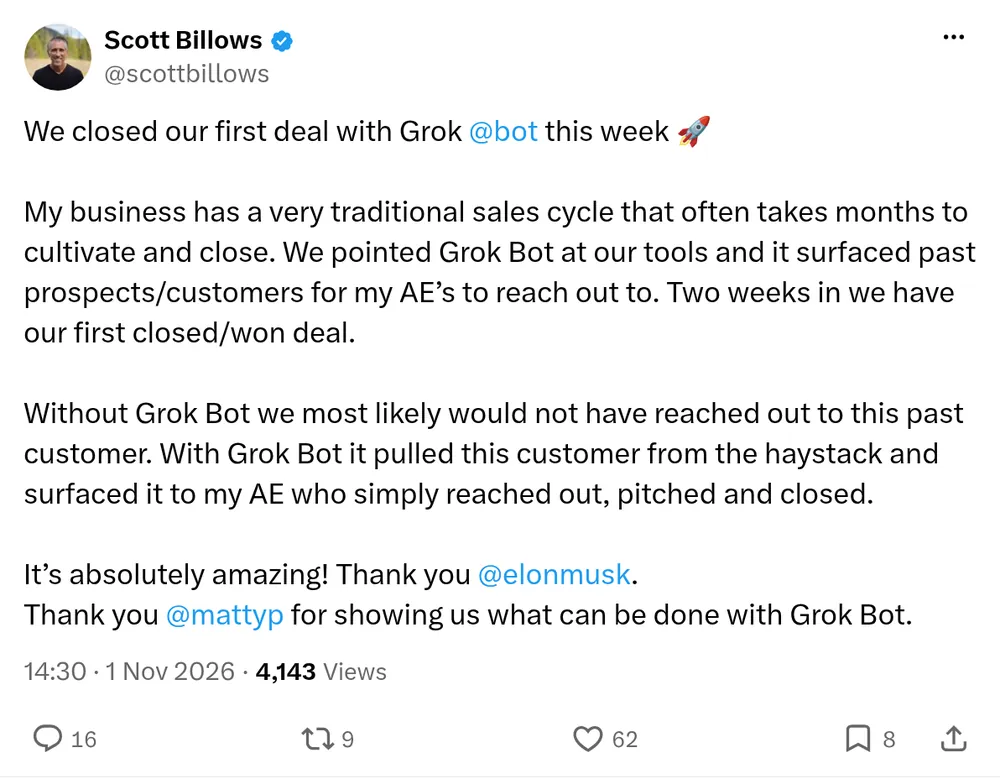
Credit to @scottbillows. His business has a long, traditional sales cycle. They pointed Grok Bot at their business tools and it pulled out past prospects and customers worth contacting. Then his salespeople did the outreach.
He says that two weeks in, they closed their first deal from it.
“surfaced past prospects/customers for my AE’s to reach out to.”
“Two weeks in we have our first closed/won deal.”
Why it matters: That’s not marketing. That’s list work. The bot finds the needle in the haystack. A human picks up the phone.
Try this prompt:
Go through our CRM, invoices and emails. List past customers and prospects we haven't spoken to in 12 months or more who look worth a call, with the last contact date, what they bought or asked about, and why they're worth it. Rank the top 20. Don't contact anyone or edit the CRM. I'll hand the list to the team.Be careful: let it do the work, you approve the sends and spends
Quick word of warning, because you’ll have spotted a pattern. Some of these people let the bot act on its own. Contacting suppliers. Negotiating. Emailing tenants. Messaging candidates. Changing DNS. That’s their choice.
My rule is simple:
- Start read-only. Drafts, lists and reports first.
- Put the rule in every prompt: “Ask me before you send, spend, book, post or delete anything.”
- Anything that talks to customers, candidates or suppliers as you needs your OK.
- Keep your own backups before it touches your website, accounts or files.
The examples in this post where the bot acted without a clear approval step:
- Acted without approval: 5. Get quotes from tradespeople and suppliers, credit to @PeterChacon30
- Partly without approval: 10. Run lease renewals, credit to @ChrisTwiggsPM
- Acted without approval: 11. Screen CVs and book interviews, credit to @Tavis_LLLLLU
- No approval step mentioned: 14. Move your website and fix DNS, credit to @Wanajrat
Every prompt in this post already has the “ask me first” bit built in.
Your homework: pick one boring job
Pick one boring job from this list. Just one. Copy the prompt, and approve everything for the first couple of weeks. Once you trust it, you can loosen the reins a bit.
Want more prompts like these? Get my free AI guides, or browse the free guides library if you’ve already signed up. And if you want to set up systems like this with me, that’s what my Build With Seb community is for.
If you’re more into the content side, here’s the AI content dashboard I use to find video ideas.
FAQ
What can Grok Bot do for a business besides marketing?
Plenty of back-office work. The people in this post say they use it to find duplicate payments, match payments to invoices, send receipts to their accountant, enter purchase orders, gather quotes, update customers, reply to reviews, report on calls, register warranties, run lease renewals, screen CVs, answer questions about contracts, prepare tax paperwork, move a website and find past customers worth a call.
Are these Grok Bot results verified?
No. Every example comes from a real post on X, and I checked each post exists. The results are the posters’ own claims. I haven’t checked their numbers, so treat them as one person’s experience.
Should I let Grok Bot send emails or book things on its own?
I wouldn’t, at least not at first. Let it do the work, but approve anything that sends, spends, books, posts or deletes. Start with read-only jobs like drafts, lists and reports.
Which Grok Bot use case should I try first?
Pick one boring job. The monthly receipts pack for your accountant is a good first one, because the bot only drafts the email and you still press send.
Credit to every creator whose post is in here. The posts belong to their authors, and the claims are theirs. Go and follow them.
If this helped, subscribe to Learn With Seb on YouTube for more AI tools explained simply.
Get all my free AI guides and resources
14+ step-by-step guides and cheat sheets. Free, straight to your inbox. New ones added regularly.
No spam. Unsubscribe any time.